Check RC Status Online by Vehicle Number
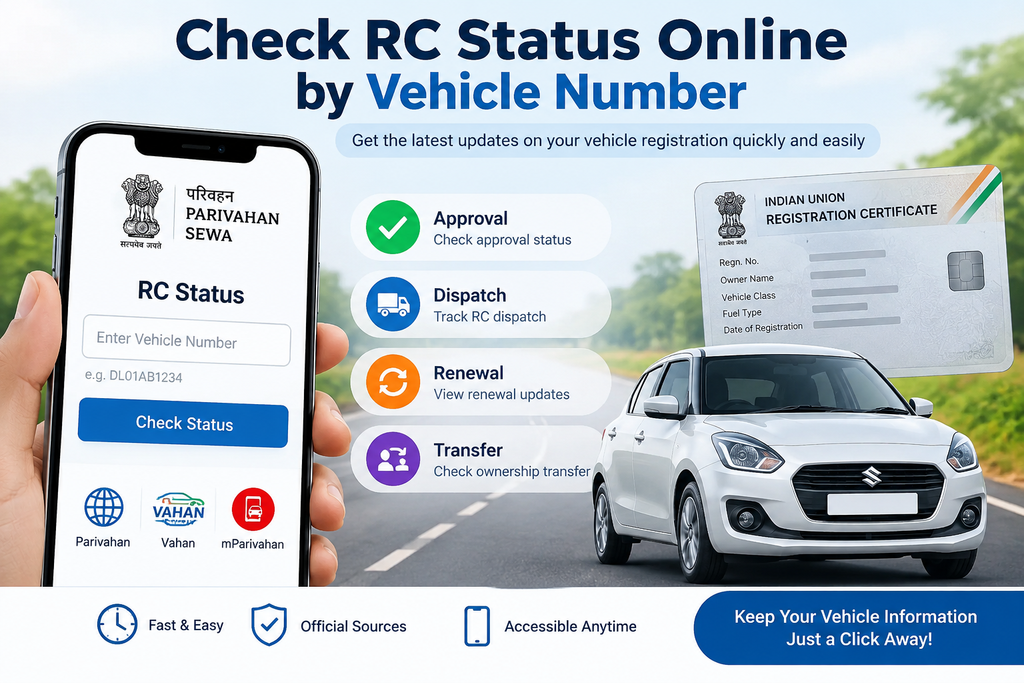
RC Status allows you to track the latest updates on your vehicle registration, including approval, dispatch, renewal, and ownership transfer. You can easily check your RC status online through Parivahan, Vahan, or the mParivahan app by entering your vehicle registration number.
Enter vehicle number — continue to Parivahan
Official government portal for RC status and vehicle details.
You will enter this on the official Parivahan website — we do not process or store your number.
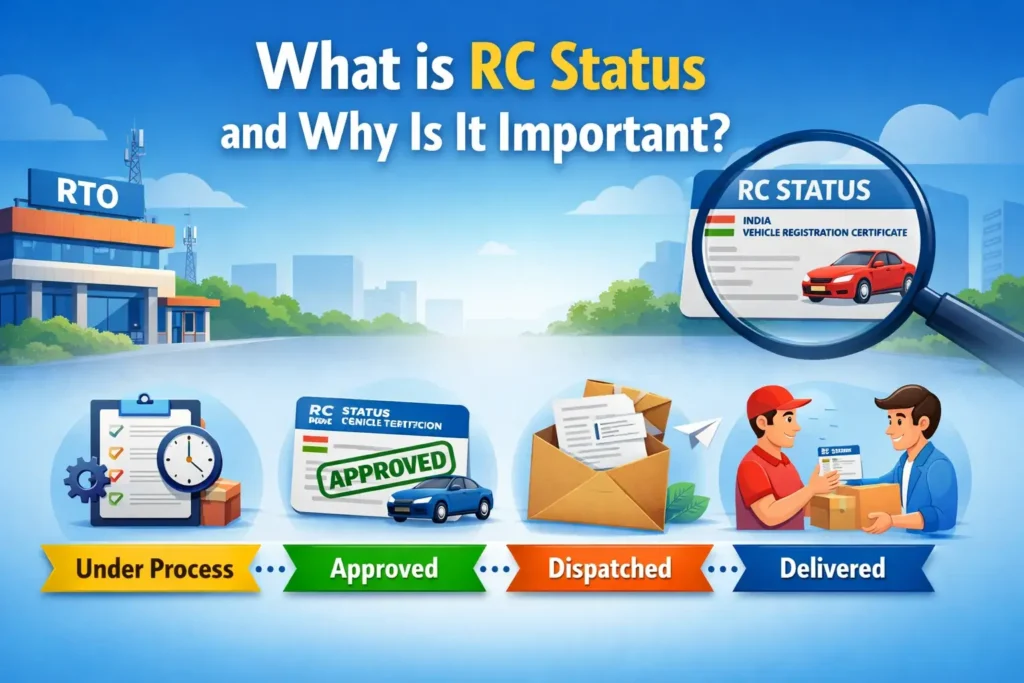
What is RC Status and Why Is It Important?
RC Status (Registration Certificate Status) shows the current status of your vehicle’s registration in the RTO system. It helps you check whether your RC is:
- Under process
- Approved
- Dispatched
- Delivered
Why RC Status Check is Important
- Track RC application status after applying
- Verify RC dispatch status after approval
- Monitor RC transfer status (ownership change)
- Check RC renewal status after expiry
- Avoid legal issues due to invalid RC
Regularly checking your Parivahan RC status helps ensure that your vehicle registration details are valid, accurate, and up to date.
How to Check RC Status Online on Parivahan?
To check RC status through vehicle number follow these steps:
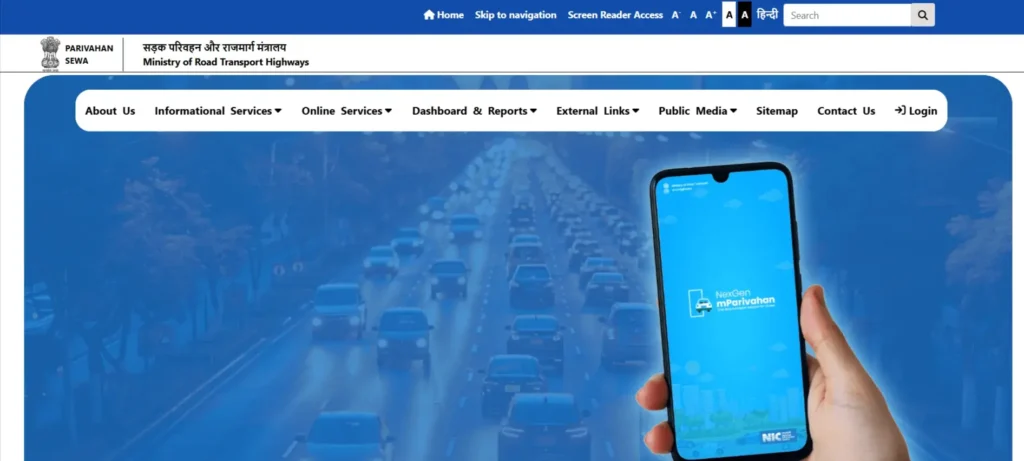
- Visit Parivahan Sewa Portal
Visit to official Parivahan Sewa website.
- Choose “Know Your Vehicle Details”
Click on Vehicle services then “Know Your Vehicle Details”. - Enter Vehicle Registration Number
Add your vehicle number (e.g., GJ01AB1234). - Complete Verification
Verify the Captcha code. - Search
Click on Search button and Submit your details. - View RC Status
You will see complete vehicle RC status and owner details.
How to Check RC Status on Vahan Portal (Vahan 4 RC Status)
The Vahan portal offers centralized access to vehicle information from across India. Follow these steps to check Vahan RC Status:
- Open the Vahan portal.
- Add vehicle registration number.
- Click on Search.
- Check Vahan RC status and vehicle details.
RC Status Check Using mParivahan App (Mobile Method)
Through mParivahan app check RC status on your phone. Follow these steps:
- Download and install mParivahan App.
- Login to your account using mobile number.
- Enter using registration number.
- Check RC status quickely.
👉 Best for:
- Instant RC status check online
- Mobile-friendly access
- Real-time updates
RC Status Check by Vehicle Number?
When you check your RC status using the vehicle number, you can view and track several important details:
1. RC Application Status
- Pending
- Approved
- Rejected
2. RC Dispatch Status
- Printed
- Dispatched
- Delivered
3. RC Transfer Status
- Ownership transfer in progress
- Approved transfer
4. RC Renewal Status
- Renewal pending
- Renewal approved
Understanding Vahan RC Status & RC Application Status
Vahan RC Status refers to the official registration status recorded in India’s national vehicle database.
Key Status Types Explained
- Pending at RTO → Application under review
- Approved → RC generated successfully
- Dispatched → RC sent via post
- Delivered → RC delivered to owner
These updates allow you to accurately monitor the progress of your RC application.
When Should You Check RC Status?
You should check your RC status online in the following situations:
- After purchasing a new vehicle
- After applying for RC transfer (ownership change)
- After applying for RC renewal
- If your RC has not been delivered within 2–3 weeks
- After making corrections in RC details
- When buying a second-hand vehicle (to verify status)
Regularly checking your RC status can help prevent delays and ensure your vehicle documents remain valid.
How Long Does RC Status Take?
The RC processing time can vary by state and RTO. However, the usual processing timeline is as follows:
| Stage | Estimated Time |
|---|---|
| Application Submission | 1–3 days |
| Verification at RTO | 3–7 days |
| Approval of RC | 3–5 days |
| Printing of RC | 2–4 days |
| Dispatch & Delivery | 7–15 days |
RC Status Not Updating? What to Do
If your RC status is not updating or stuck for long time, follow these steps:
1. Check Vehicle Number Carefully
Make sure the registration number is correct.
2. Wait for System Update
Sometimes updates take 24–72 hours to reflect.
3. Contact Your RTO Office
Visit or call your local RTO for verification.
4. Verify Documents
Ensure all submitted documents are valid and complete.
5. Raise Complaint Online
Use the Parivahan grievance system if the delay exceeds 15 days.
RC Status Processing Time in Different States
RC processing times can differ from one state to another due to variations in workload and digital infrastructure:
- Gujarat → Fast processing (7–10 days)
- Maharashtra → Moderate (10–15 days)
- Delhi → Faster digital updates (5–10 days)
- Uttar Pradesh → May take longer (10–20 days)
RC Status vs Vehicle Details
Many users confuse RC status with vehicle details. Here’s the difference:
| Feature | RC Status | Vehicle Details |
|---|---|---|
| Shows application progress | ✅ Yes | ❌ No |
| Shows RC approval status | ✅ Yes | ❌ No |
| Shows owner information | ✅ Yes | ✅ Yes |
| Shows registration details | ✅ Yes | ✅ Yes |